Computers
& Software for Astronomy
Copyright © 2007-2022, Dick Locke.
All Rights Reserved. Contact and Image Use Information.
My astronomy equipment home page is here.
Processing astronomy pictures has always stressed computer systems. (Newer DSLR cameras, like my Nikon D610 with 24.3 megapixel images or my D810 with 36 MP (and now D850 with 45.7 megapixels), also create large files that are difficult for even fast computers to handle in bulk.) New image processing techniques, such as drizzle and deconvolution algorithms, are extremely computer-intensive. (More on the equipment used to capture the images is here.)
Software for Image Processing
It turns out I've acquired and use quite a number of astronomy and image processing titles. The following work OK with Windows 7, 64bit:
-
PixInsight
-
MaximDL 5 - Controls the SBIG ST-8300M camera and filter wheel, also does batch image process which I use for image reduction (i.e., flats, darks, etc.)
-
Nebulosity - Control the QHY8 CCD camera, capture .fit files...
-
Photoshop - Check image quality while imaging, and final processing; it is the last tool I use to process images for publication (CS2 and CS5)
-
Registar - Combine images, my primary "stacking" tool
-
ImagesPlus - Process DSLR images
-
Neat Image - Noise reduction
-
Noel Carboni's Astronomy Tools - Photoshop actions to do things like select stars and tighten them up
-
GradientXterminator - Photoshop plugin to remove unwanted gradients
-
Deep Sky Stacker - Drizzle combinations and some stacking
-
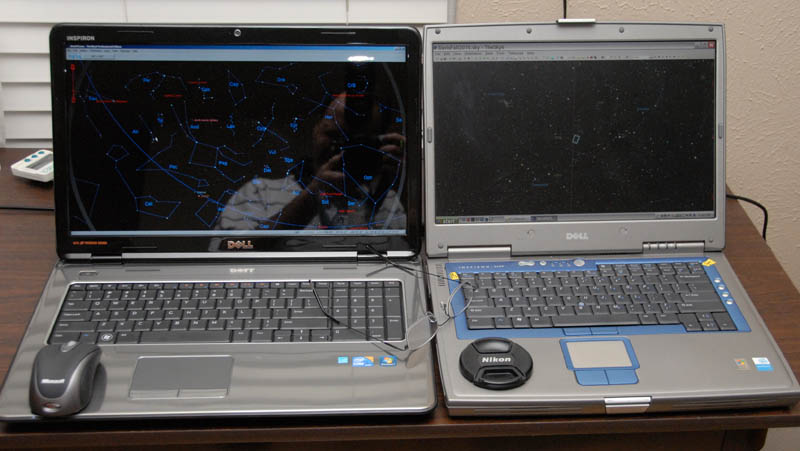
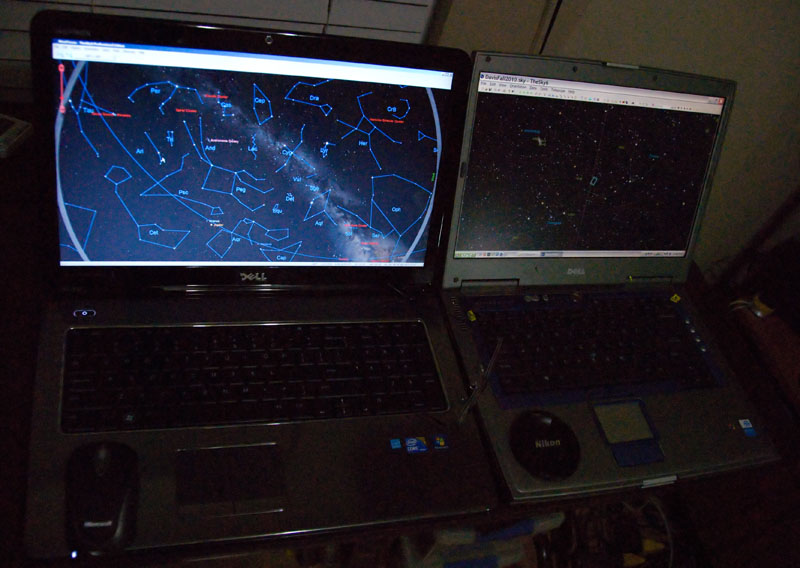
The Sky (I have 5, 6, and X) - In 2020 I finally have a proper laptop for running The SkyX and have learned to use that software's ImageLink feature to exactly sync where I am, and to go to exactly where I was in a previous image. I was doing that manually before, not that accurate and really wasted valuable dark sky time.
Hardware for Image Processing
New Desktop 2023 (late 2022):
-
CPU: Intel Core i9-13900K Desktop Processor 24 cores (8 P-cores + 16 E-cores) 36M Cache, up to 5.8 GHz
-
Picture near-term storage and processing drive: WD_BLACK 4TB SN850X NVMe Internal Gaming SSD Solid State Drive - Gen4 PCIe, M.2 2280, Up to 7,300 MB/s - WDS400T2X0E
-
Boot and system drive: SK hynix Platinum P41 2TB PCIe NVMe Gen4 M.2 2280 Internal SSD l Up to 7,000MB/S l Compact M.2 SSD Form Factor SK hynix SSD - Internal Solid State Dri
-
Memory: 128GB G.SKILL Trident Z5 RGB Series 64GB (2 x 32GB) 288-Pin PC RAM DDR5 5600 Desktop Memory Model F5-5600J3636D32GX2-TZ5RK
-
Motherboard: ASRock Z790 TAICHI Intel LGA1700 EATX Mainboard , 4 slots DDR5, 2 PCIE 5.0 x16, 5 M.2 slots, 2.5Gb Lan,WIFI 6E, HDMI 2.1 port, 5.1 audio ALC4082, 2 USB4 Thunderbolt Type-C 24+1+2 Power Phase, 2oz Copper PCB, EZ update.
-
Video: GIGABYTE Gaming GeForce RTX 4080 16GB GDDR6X PCI Express 4.0 x16 ATX Video Card GV-N4080GAMING OC-16GD
-
Case: Fractal Design Define 7 XL
New Desktop July 2019 System and updated in 2022:
-
Processor: Intel Core i9-9900K Desktop Processor 8 Cores up to 5.0 GHz Turbo unlocked LGA1151 300 Series 95W
-
CPU Cooler: (Going with an air-cooled solution for now) Noctua NH-D15, Premium CPU Cooler with 2x NF-A15 PWM 140mm Fans
-
128GB Memory: TEAMGROUP T-Force Vulcan Z DDR4 64GB Kit (2x32GB) 3600MHz (PC4-28800) - DDR4 3600MHz 18-22-22-42 - CL18 Desktop Memory Module Ram (Gray)
-
Monitor: Dell U4021QW 39.7" 21:9 Curved IPS Monitor, 39.7" In-Plane Switching (IPS) panel, this monitor features a 5120 x 2160. Supporting 1.07 billion colors, 100% of the sRGB and Rec. 709 gamuts, and 98% of the DCI-P3 gamut, this monitor is designed to deliver accurate colors, a 1000:1 static contrast ratio and 300 cd/m² brightness provide sharp and clear visuals.178° horizontal and vertical viewing angles.
-
Motherboard: ASRock Z390 Taichi Ultimate (link) - This is one of the few Mobos that supports 8 SATA channels, which I really needed due to the large # of disk drives I run to hold all my pics
-
Graphics Card (2070): EVGA GeForce RTX 2070 XC Ultra Gaming, 8GB GDDR6, Dual HDB Fans & RGB LED Graphics Card 08G-P4-2173-KR
-
Case: Phanteks Enthoo Series Primo Aluminum ATX Ultimate Full Tower Computer Case PH-ES813P_BL (link)
-
OS/Boot Drive: Samsung 970 EVO Plus Series - 1TB PCIe NVMe - M.2 Internal SSD (MZ-V7S1T0B/AM)
-
Working Photographs Drive: Samsung 970 EVO Plus Series - 2TB PCIe NVMe - M.2 Internal SSD (MZ-V7S2T0B/AM)
-
Optical Drive: LG Electronics 14x SATA Blu-ray Internal Rewriter without Software, Black (WH14NS40)
-
Power Supply: EVGA Supernova 850 G3, 80 Plus Gold 850W, Fully Modular, Eco Mode with New HDB Fan, 10 Year Warranty, Includes Power ON Self Tester, Compact 150mm Size, Power Supply 220-G3-0850-X1
-
Replaced - 64GB Memory: CORSAIR DOMINATOR PLATINUM 64GB (4x16GB) DDR4 3200MHz C16 Desktop Memory - CMD64GX4M4C3200C16 - Started having hardware problems July 2022
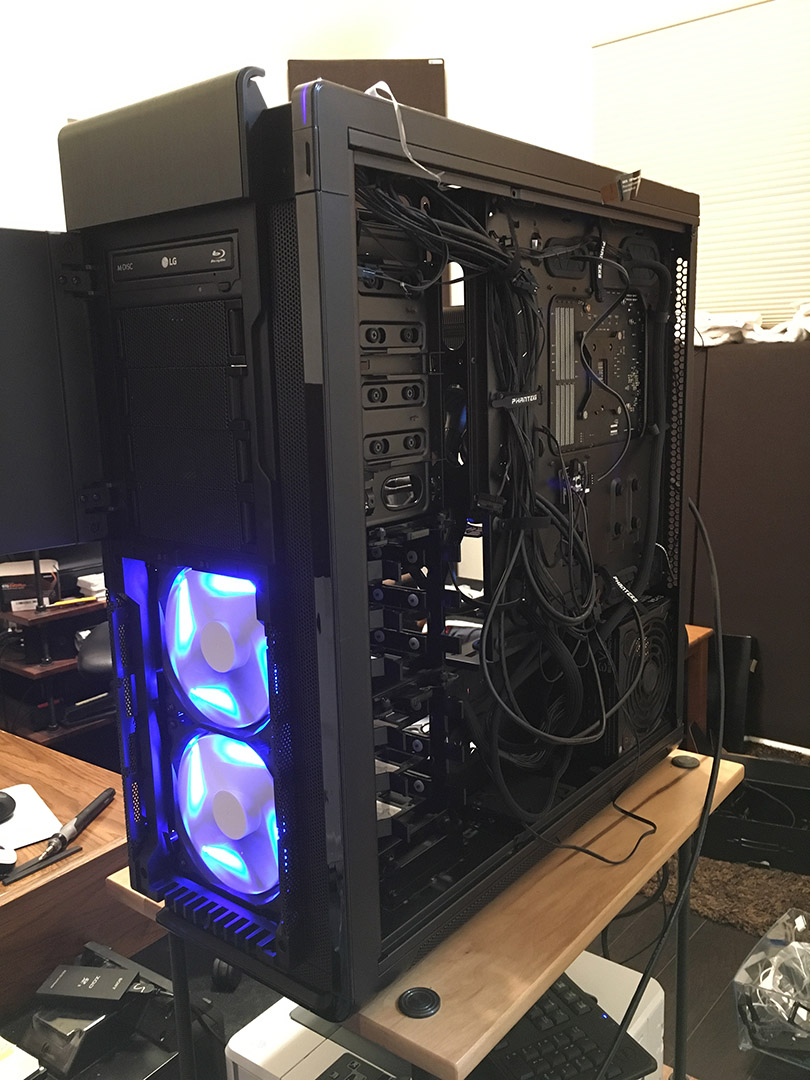
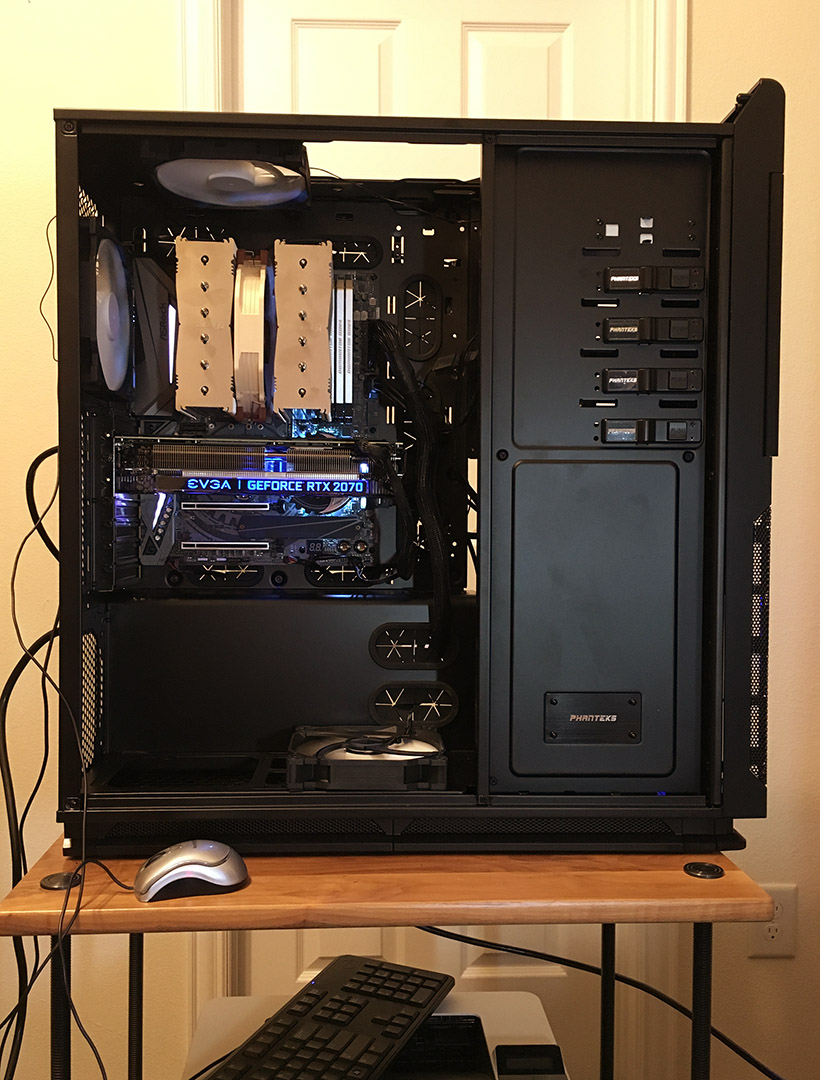
Above: July 2019 computer construction
2019 Laptop:
-
Dell XPS 15 7590
-
9th Generation Intel(R) Core(T M) i9-9980HK (16MB Cache, up t o 5.0 GHz, 8 cores)
-
NVIDIA(R) GeForce(R) GTX 1650 4GB GDDR5
-
15.6" 4K UHD (3840 x 2160) InfinityEdge Anti-Reflective Touch IPS 100% AdobeRGB 500-Nits display
-
32GB DDR4-2666MHz, 2x16G
-
2TB PCIe Solid State Drive6-Cell 97WHr Integrated
-
130W Power Adapter
Old Laptop: I acquired a new laptop for field processing 4/2014: ASUS ROG G750JZ-DS71 17.3-inch Gaming Laptop, GeForce GTX 880M Graphics
-
Intel Core i7-4700HQ 2.4Ghz (Turbo 3.4 GHz)
-
24 GB DDR3 (twice my desktop's memory!)
-
1TB 7200 rpm HD, 128GB x 2 (256 GB Total) Solid-State Drive
-
17.3-Inch matte screen, 1920x1080 pixels ("full HD"), contrast 950:1, color gamut 95% of sRGB and 74% of Adobe RGB
-
Blu-ray BD-ROM
-
Windows 8.1 - Quite a learning curve here. The only thing I've found a problem with after a couple days is "Scrabble Online" which won't install... Now on Windows 10 so I can use the whole 32GB memory.
This laptop replaces my old Dell Dell Inspiron N7010, which was not able to process my all-night DSLR time-lapse images effectively... Working with those files in Bridge or Nikon ViewNX 2 was an exercise in frustration.
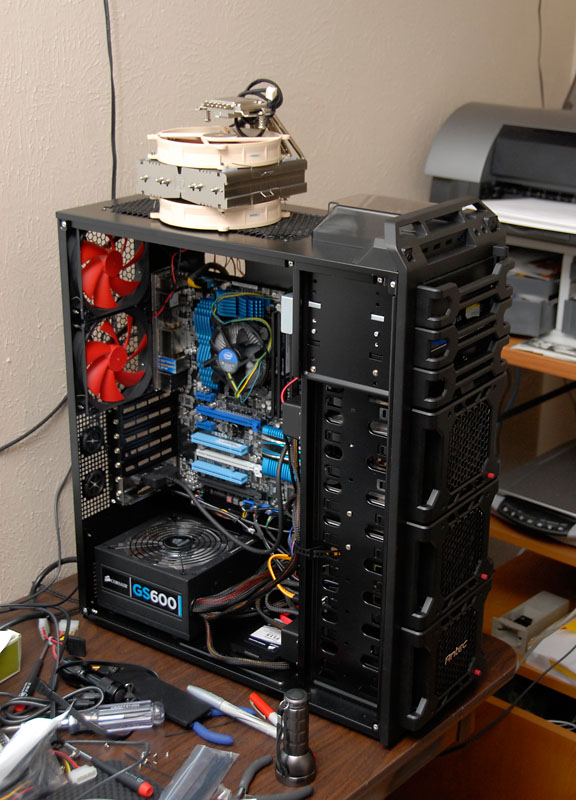
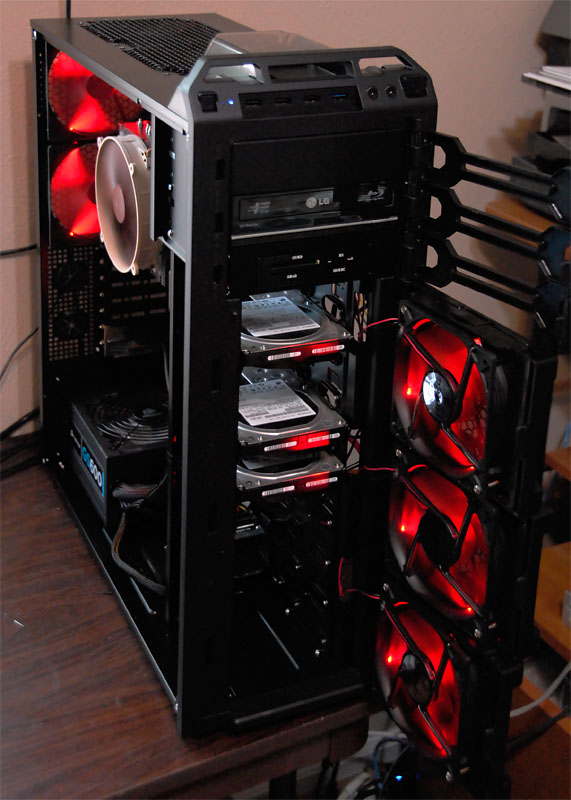
Desktop: My old desktop system vintage mid 2011: At that time I was toying with the idea of upgrading my computer system, then Fry's sealed the deal by putting the motherboard and processor I wanted on sale! I'm using the fastest Intel Sandy Bridge processor chip. These new chips bring top of the line processing power to a cool running and affordable CPU, reducing the cost for Intel's top performance by many hundreds of dollars, and reducing the power use (and heat generated) by your computer. It also has a very decent display processor as part of the chip, which performs much better than the dedicated graphics card in my previous (which was a 4 year old) system. This means a cooler, quieter case because I (didn't use to) need a graphics card... But that changed when I went to a Dell U3011 30" monitor with 2560x1600 pixels, and I acquired an AMD Radeon HD 5700 Series display adapter. That card caused all sorts of weird problems resolved by the GTX960 upgrade. Here are the specs for the major components of the new system:
-
ASUS P8Z68V Pro Motherboard, Intel® Socket 1155 for 2nd Generation Core™ i7/Core™ i5/Core™ i3 Processors
-
Corsair 115GB SSD (Solid State Drive) - Force CSSD-F115GB2-BRKT-A 2.5" 115GB SATA II MLC Internal Solid State Drive (SSD) (Since upgraded to a Samsung 500 GB SSD)
-
Intel® Core™ i7-2600K Processor (8M Cache, 3.40 GHz), LGA 1155 (I am overclocking this to 4.43 GHz for about a 30% speed increase.)
-
Corsair XMS3 3x4GB DDR3 2000MHZ memory (looking for a 4th module) Since replaced and upgraded to 32GB, and with Photoshop and Registar I actually use more than 24GB!
-
2 x Hitachi 3TB Coolspin 32MB Cache SATA3 (5400 rpm model) (Since upgraded to two 10TB and two 8TB drivers plus an 2 SSDs)
-
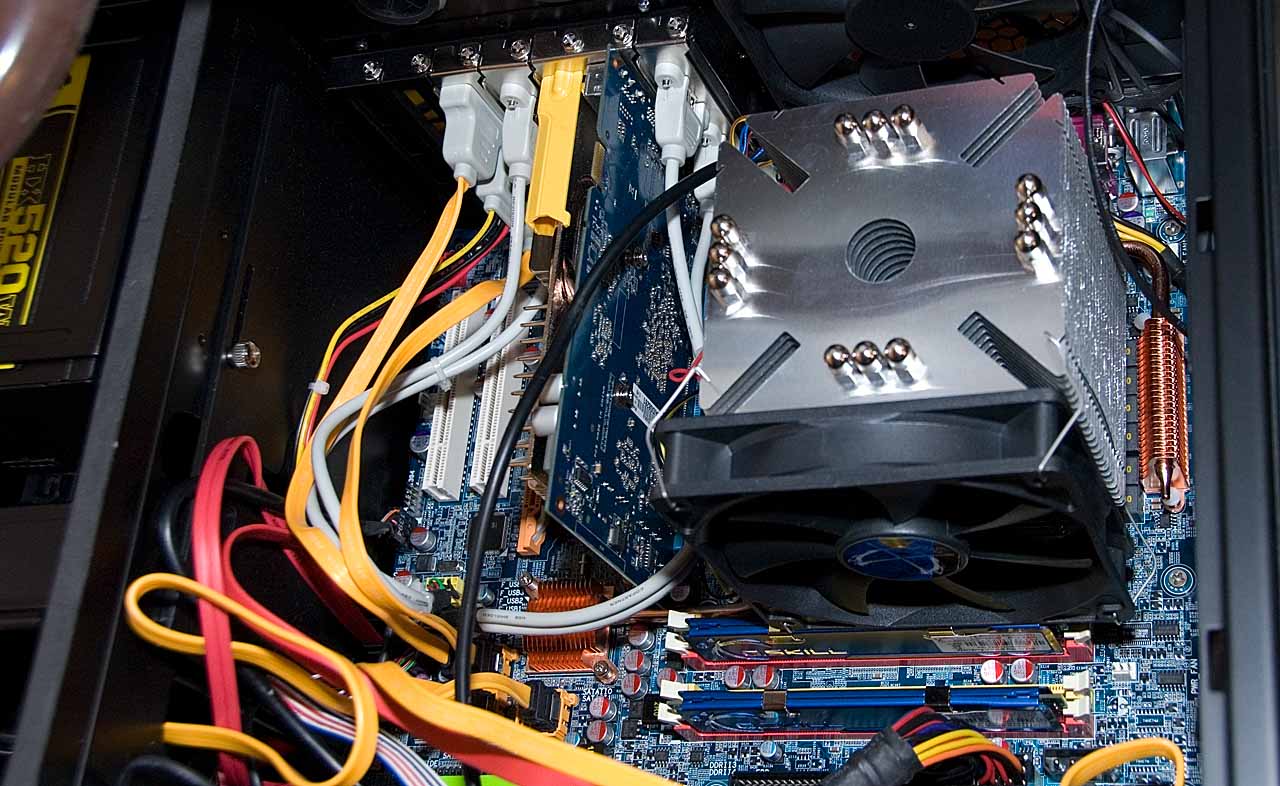
CPU cooled with a Noctua NH-C14
-
Seasonic X Series 850W power supply (replaced Corsair 600W GS 600 PSU)
-
ASUS GEFORCE GTX960 video card - the fans don't spin during normal operation!
-
LG 12x Blu-Ray writer
-
And went to an ASUS RT-N56U Dual Band router which (2014 note) has been a complete PITA and has been replaced as noted next:
-
Sadly my computer room isn't hard-wired with Ethernet so I'm using a D-Link AC 1200 as a Range Extender (HW Ver. A2 F/W 1.02) & it works well. My main router is now a TP-Link Wireless Router Archer C9. I'm connected with a Asus PCE-N15 11n Wireless LAN PCI-E Card.
Here are some overclocking references on the setup as I sort everything out. It looks like people are hitting 5.0 GHz with some frequency and 4.5 GHz range just about always with a setup like mine. As noted above, as of 7/15/11 I'm running at 4.43 Ghz: As of 9/14, this processor is still near the top of it's class in speed as compared with other intel processors.
HardOCP, hardforum, Toms, HardwareCanucks, Overclock.net,
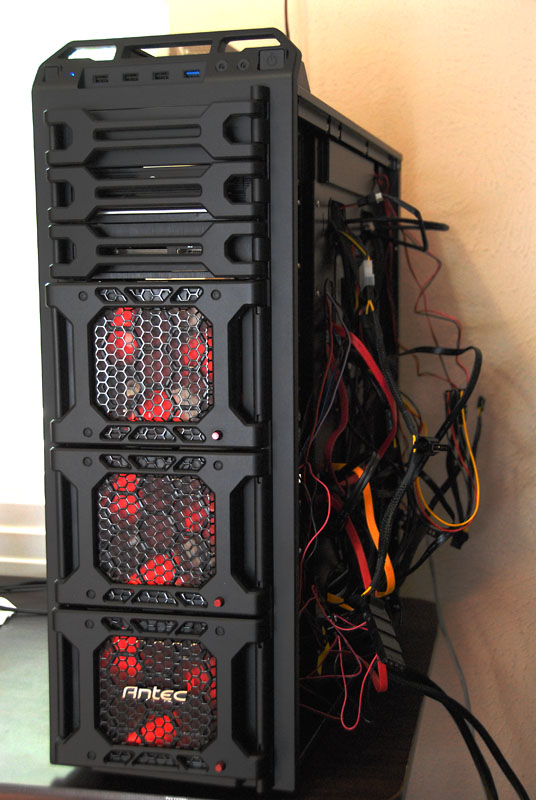
Scroll down for for pictures of the desktop. The massive Noctua CPU cooler assembly was the last major component to go in, and after that it was time to hide the wires..

Dick's Summer 2011 Computer Project